Guide
How to Choose a Stream Deck or Macro Pad
A shortcut buried three menus deep rarely gets used, no matter how much time it would save over the keyboard equivalent. A stream deck or macro pad exists to put that shortcut one press away, on a dedicated panel that doesn’t compete with the keys already in use. The name suggests it’s built only for streaming, but most of the buying decision has nothing to do with a webcam.
Key count is mostly a budget and layout decision
A six-key deck covers a handful of frequent actions, while a fifteen- or thirty-two-key model spreads out enough shortcuts to cover several apps without paging through screens. Software on most decks supports multiple pages or profiles, so a smaller deck can still reach dozens of actions by switching pages rather than needing more physical keys. The tradeoff is speed: a shortcut on page two takes one extra press to reach every single time.
LCD keys cost more than they add for a fixed set of actions
A key with its own small LCD screen can show a changing icon or label, which matters when the same key does different things depending on which app or profile is active. For a short list of shortcuts that never change, a plain backlit key with a printed or stuck-on label does the same job for less money. The LCD earns its cost on a deck running many profiles, not on one set up for five actions and left alone.
A dial adds a kind of control a button can’t fake
Volume, playback scrubbing and zoom are continuous adjustments, and a button can only step through them in fixed increments no matter how it’s programmed. A rotary dial turns that into a smooth motion instead of a series of clicks, which is the main reason some decks add one alongside the keys. A deck without a dial isn’t missing a feature so much as skipping one that only matters for a specific handful of tasks.
Software support decides whether it fits an actual workflow, streaming or not
Some decks are built almost entirely around streaming software, with keys for scene switches and alert triggers baked into the setup process. Others lean the opposite way, built for editing and creative apps with no streaming feature at all, and a few cover both. Checking the plugin or profile list for the specific software already in daily use matters more than the marketing on the box.
The Elgato Stream Deck MK.2 is the familiar streaming example, but its listing leans just as hard on ordinary work. Its 15 LCD keys can run hotkeys for editing, music production and photography, with plugins for apps like Spotify, Discord and Philips Hue lights.
Desk space adds up once the cable is routed
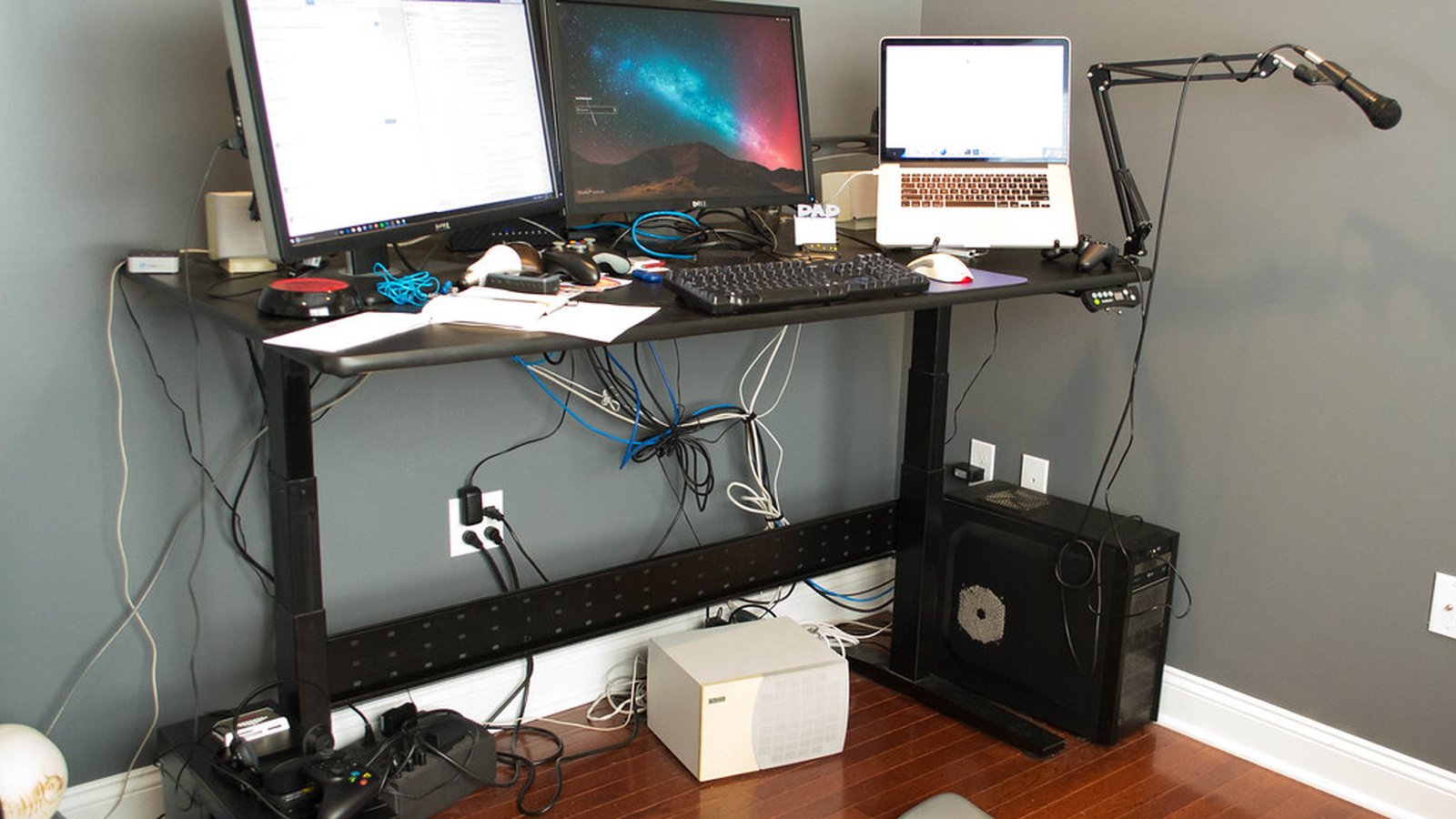
Any deck adds a footprint next to the keyboard, and most ship with a small kickstand that eats a little more depth than the base alone. The USB cable has to reach a port without crossing the mouse’s swing area, which is the same routing problem covered in managing cables around a desk more generally. A deck placed too far from the dominant hand ends up ignored within a week, no matter how well it’s programmed.
Mapping the keys takes longer than setting up the hardware
Plugging a deck in takes a minute. Deciding what belongs on it takes longer, and starting with too many actions at once is the most common reason one ends up back in a drawer.
- Start with five to eight actions actually used every day, not a full page of hypothetical ones
- Group related actions into a folder or profile instead of spreading them across pages
- Leave a couple of keys blank at first. What’s missing usually becomes obvious after a week of use
Expanding the layout after that first week, once the habit of reaching for the deck instead of the menu has formed, works better than mapping everything on day one.