Guide
How to Choose a Vertical or Ergonomic Mouse
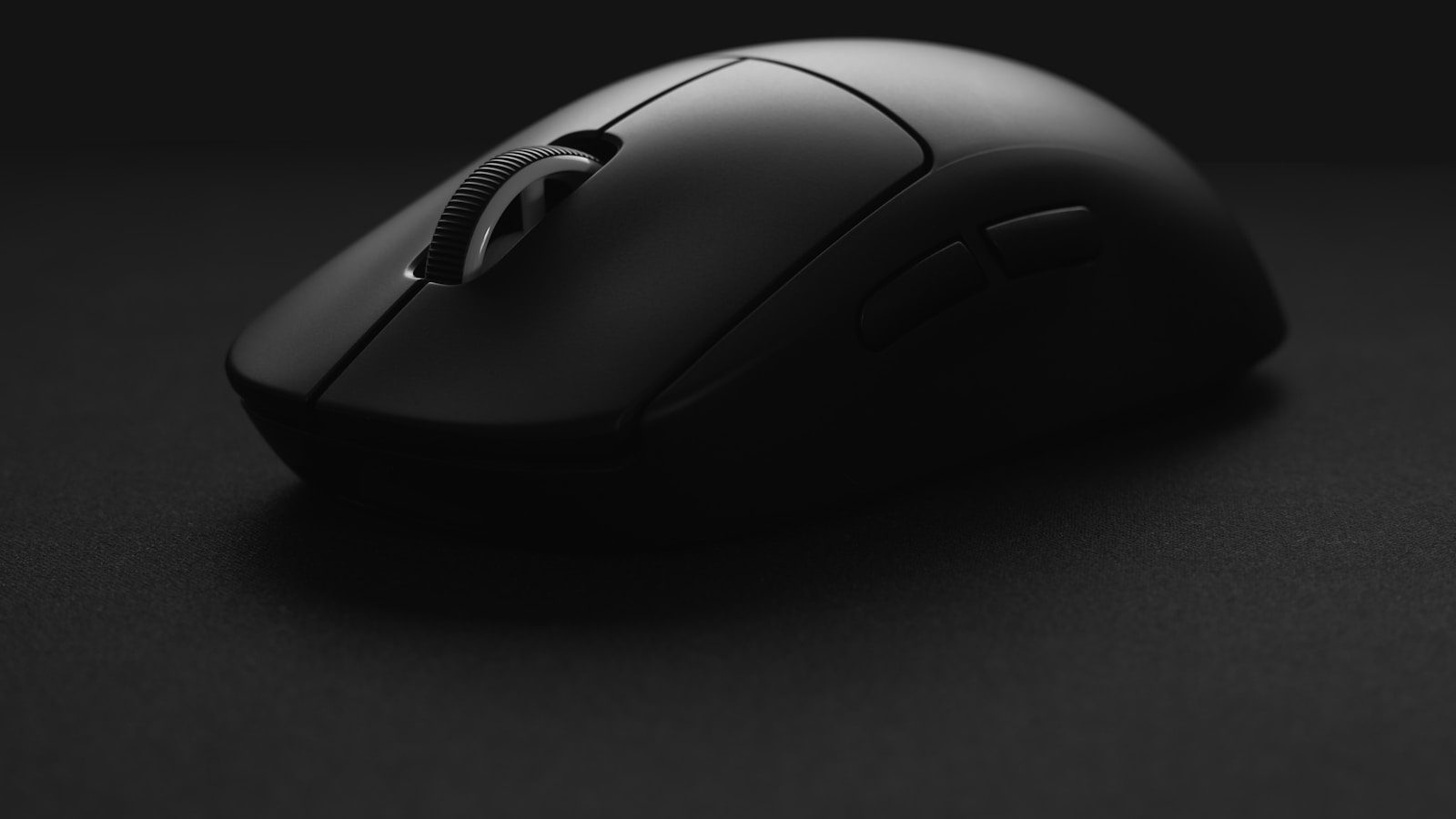
A flat mouse holds the forearm rotated inward for hours at a stretch, and that twist is exactly what a vertical mouse is built to undo. The shape looks strange the first time it’s picked up. Getting the angle, the grip, and the adjustment period right decides whether it actually helps or just ends up back in a drawer after a week.
The angle is the whole point, and it varies a lot between models
Vertical mice range from a shallow tilt around 20 degrees to a near-handshake position closer to 90. A steeper angle undoes more of the forearm twist a flat mouse causes, but it also demands more wrist stability and can feel unsteady to someone used to a flat grip. Starting closer to 45 degrees, rather than jumping straight to the steepest option, gives the hand an angle it can actually adapt to.
Hand size decides grip style more than any spec sheet does
A vertical mouse built around a palm grip, where the whole hand rests on the shell, fits a large hand better than a small one stretching across the same shape. A smaller hand often does better with a compact vertical mouse sized for a fingertip or claw grip, where only the fingertips and the base of the palm make contact. Picking a size off a chart is a rough starting point, not a guarantee. Grip style shifts the fit as much as hand length does.
Wired or wireless changes the setup, not just the cable
A 2.4GHz wireless receiver in a rear USB port keeps the desk clear of a cable, but it’s one more dongle to keep track of if the mouse travels with a laptop. Bluetooth skips the dongle but tends to add a small amount of input lag that competitive games expose more than everyday use does. A wired connection still edges out both once low latency actually matters, the same tradeoff covered in wired versus wireless peripherals more broadly.
Most vertical mice ship built for a right hand only
Left-handed vertical mice exist, but the selection is thin next to right-handed models, and a handful of shapes only come in one orientation at all. Checking a listing’s photos for a mirrored shell, not just an “ambidextrous” mention in the title, catches models that only fit a right hand despite the label. A left-handed buyer who can’t find a dedicated model often does better with a lower-angle vertical mouse, since a shallow tilt is closer to symmetrical than a steep one.
The first week usually feels worse before it feels better
Cursor control on a new angle is noticeably less precise for the first few days. The hand is relearning where small movements land instead of relying on muscle memory built up on a flat mouse. A few things that make that week easier:
- Lowering the DPI slightly so the reduced precision matters less
- Keeping the old mouse unplugged so the hand can’t fall back on habit
- Expecting the adjustment to take one to two weeks of daily use, not one afternoon
Switching back to a flat mouse partway through resets that adjustment and usually means starting the week over.
A wrist rest still matters, even with the angle fixed
A vertical mouse changes the twist in the forearm, but it doesn’t lift the hand off the desk surface, and the wrist still rests against something during long sessions. Some models build that support in. The DELUX M618G vertical mouse ships with a removable wrist rest that lifts the wrist off the desk, and it comes off when space is tight.
Pairing it with a wrist rest sized for the keyboard next to it keeps the desk at one consistent height instead of the mouse hand sitting higher than the keyboard hand.