Guide
How to Choose a Trackball Mouse
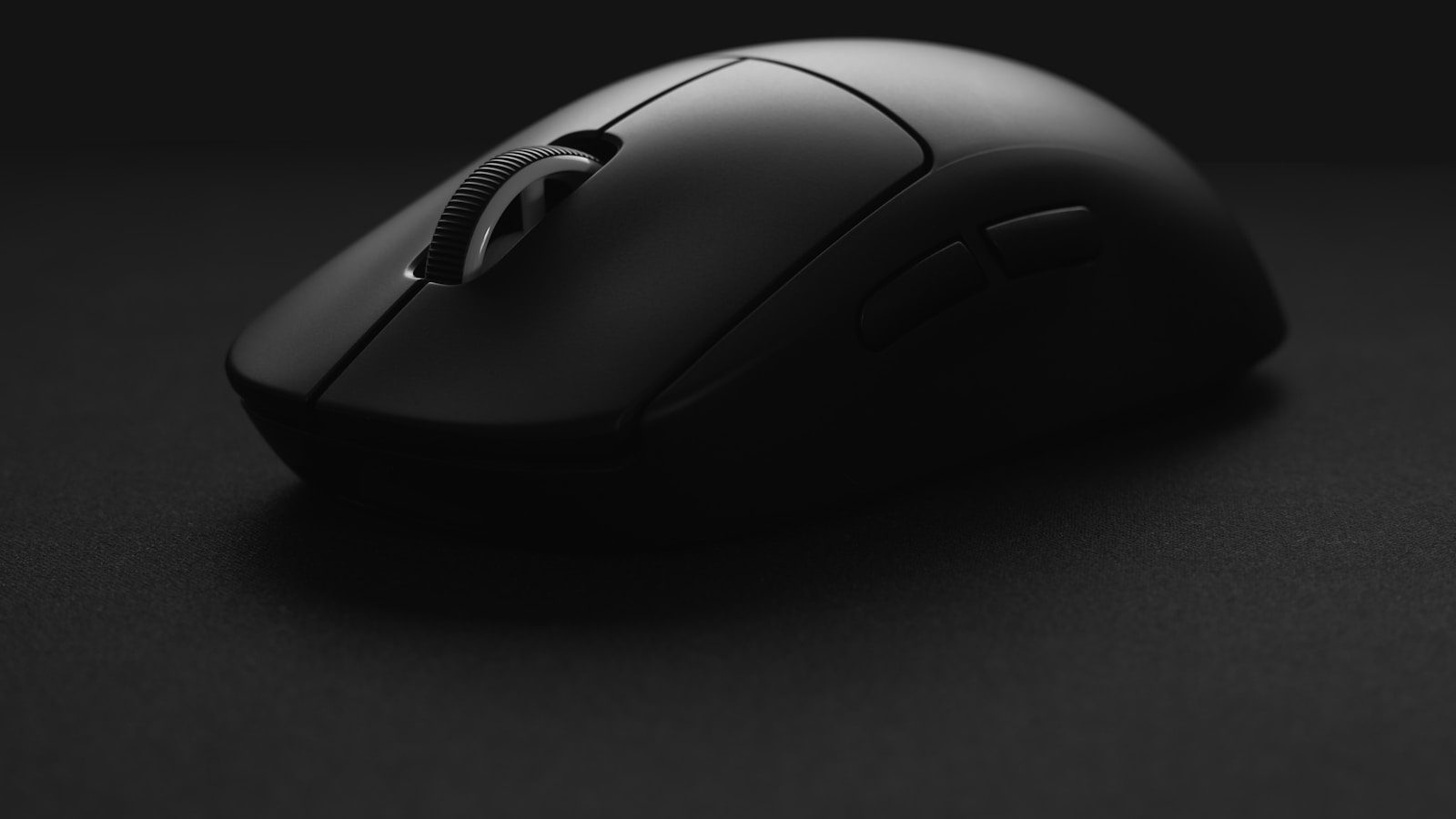
A mouse needs open desk space to slide across, and a trackball is built to skip that requirement entirely: the body stays still while a thumb, finger, or the whole hand rolls a ball to move the cursor. That fixed base is the entire appeal, but it also means the wrong ball placement can feel more awkward than a flat mouse ever did.
Thumb, finger, and palm control are different tools, not just different sizes
A thumb-operated trackball keeps the fingers free to rest on buttons the way they would on a standard mouse, which makes it the easiest style to adopt first. A finger-operated trackball puts the ball where the fingers would normally roll a scroll wheel, trading some thumb strain for more precision on fine cursor movements. A palm-operated design goes further still, using a large ball rolled by the whole hand resting over it, which suits long sessions better than short bursts of precise aiming. Picking the wrong control style for the task rather than the hand size is the most common reason a trackball ends up back in a drawer.
Ball size trades precision against how often it needs cleaning
A smaller ball, closer to the size found in a thumb-operated design, moves quickly with less physical rolling but picks up finger oil and dust in the socket faster. A larger ball, the kind built into palm-operated trackballs, holds a cleaner track longer between wipe-downs and offers steadier fine control, at the cost of taking up more desk footprint even though the body itself doesn’t move. Neither size is objectively better. The tradeoff runs directly against how often cleaning actually happens in practice.
A few things worth checking before buying one:
- Whether the ball socket opens for cleaning without tools, since lint buildup is the most common trackball complaint
- A scroll ring or dedicated scroll wheel, since some designs skip one entirely and rely on a button combination instead
- Button count and whether they’re remappable, since a trackball often replaces several mouse gestures with dedicated buttons
The desk space it saves is real, but only if the base actually stays put
The entire pitch of a trackball is that the body never slides, which matters most on a desk too shallow or too cluttered for a flat mouse’s full swing radius. That only holds if the base has enough weight or grip on the bottom to stay anchored while the ball does the moving. A trackball light enough to shift under firm finger pressure defeats its own purpose, so checking a listing’s weight and base material matters more here than it does for a mouse meant to glide.
The Kensington Expert trackball lists its footprint as 5 by 5.75 inches. That’s all the desk it needs, since the cursor moves under the fingers instead of the whole device moving across the surface.
Switching from a mouse takes longer than switching mouse shapes usually does
Cursor control on a trackball relies on a completely different set of muscles than a flat mouse’s forearm and shoulder movement, so the first week tends to feel slower and less accurate rather than just unfamiliar. Lowering the pointer speed slightly during that adjustment period helps more than it would with a vertical mouse, since the ball’s rolling motion doesn’t map onto flat-mouse muscle memory at all. Expecting two to three weeks of daily use before it feels natural avoids the common mistake of giving up after a single frustrating afternoon.
Gaming is the one place a trackball usually falls short
Fast, wide cursor sweeps, the kind a first-person shooter demands for quick turns, are harder to execute with a rolling ball than with a mouse lifted and repositioned mid-swing. A trackball tends to suit slower-paced games, strategy titles, and general desktop use far better than anything requiring split-second aim. Keeping a flat mouse on hand for gaming sessions, rather than expecting one device to cover both roles equally well, is the more realistic setup for anyone who splits time between work and fast-paced games.